Brand tool · Salesloft · 2026
SL Slide Creator
Salesloft had a brand-new brand system and a whole company that makes decks, often with help from AI. Learning a new system takes time, so I put the rules inside a tool.
- Role
- Product design, brand systems & build
- Year
- 2026
- Built with
- Claude Code, end to end
01
Start from words, not layouts.
Paste an outline from Claude, a doc or your notes. Every heading becomes a slide, and the tool picks a layout for each one, already in Salesloft’s type, color, spacing and art.
02
Smart slides make room.
Each slide is a list with a style chosen separately. Add a step and the slide makes room for it. Switch the style and the same words redraw as a curve, a timeline or a rising curve. Nothing gets retyped.
03
Every layout, already on brand.
Big stats, charts, case studies and quotes all come from the master template, measured to the pixel. Guardrails keep light green off light backgrounds and text at readable sizes, and a brand check runs before anything leaves the tool.
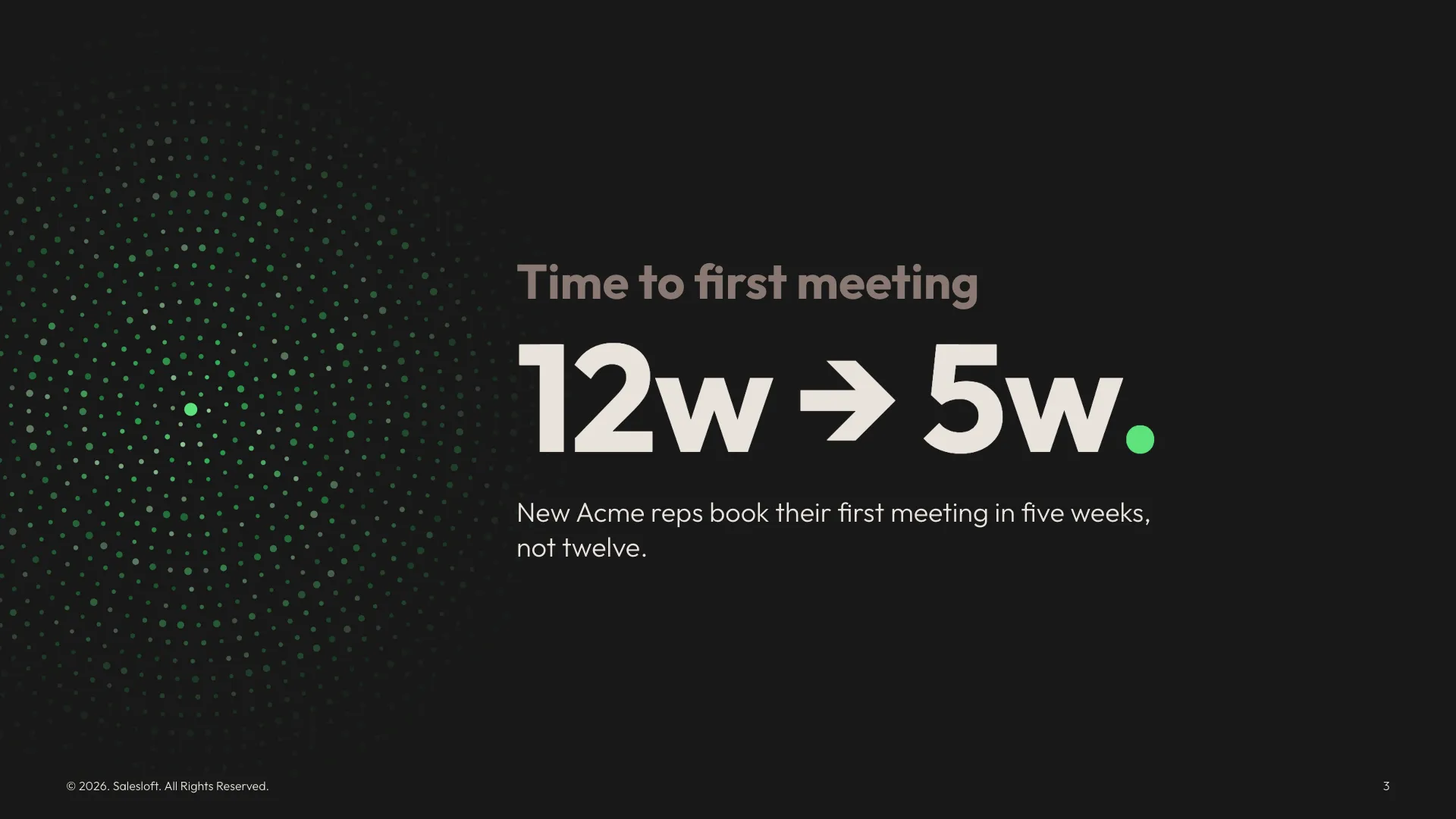
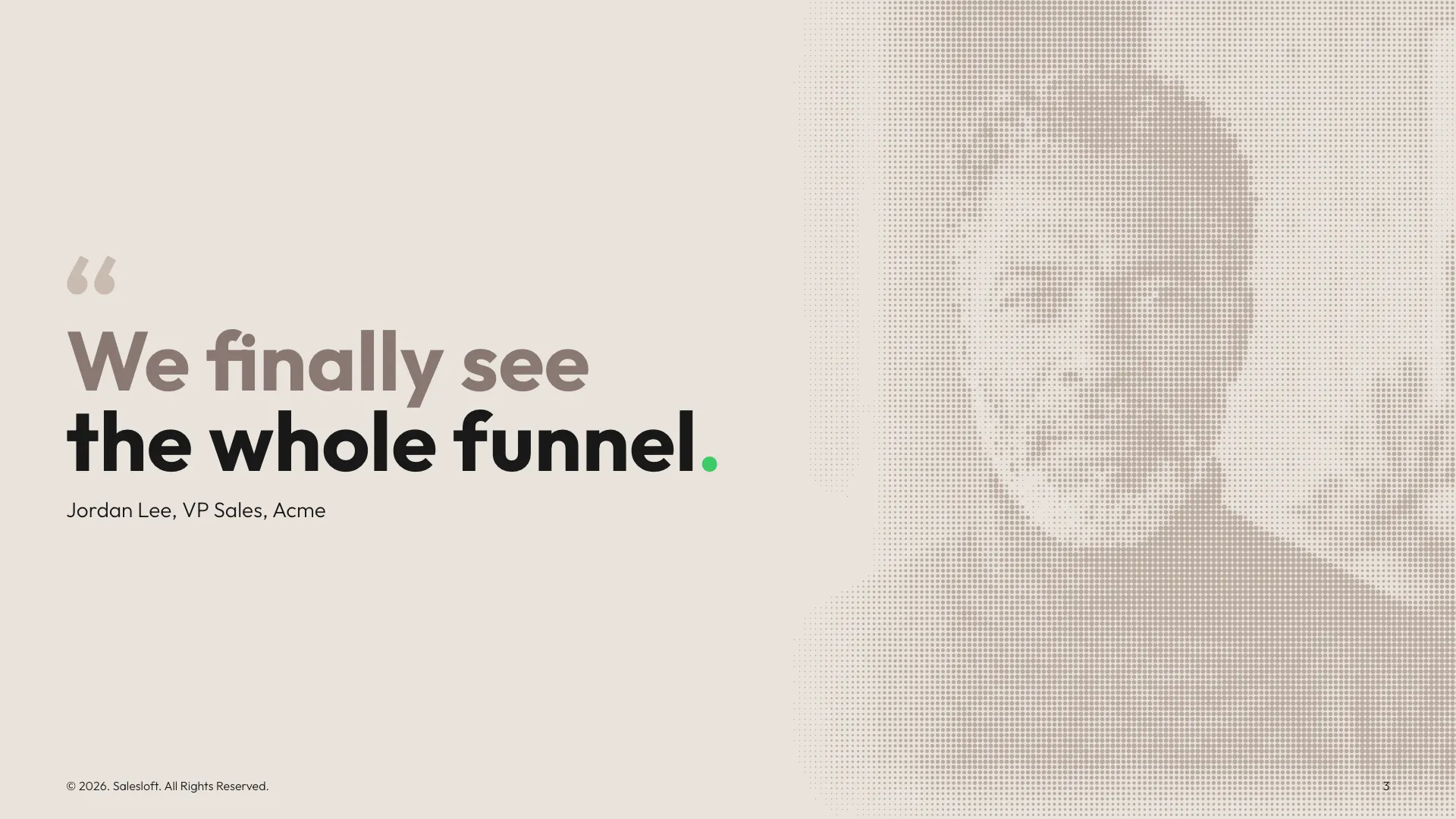
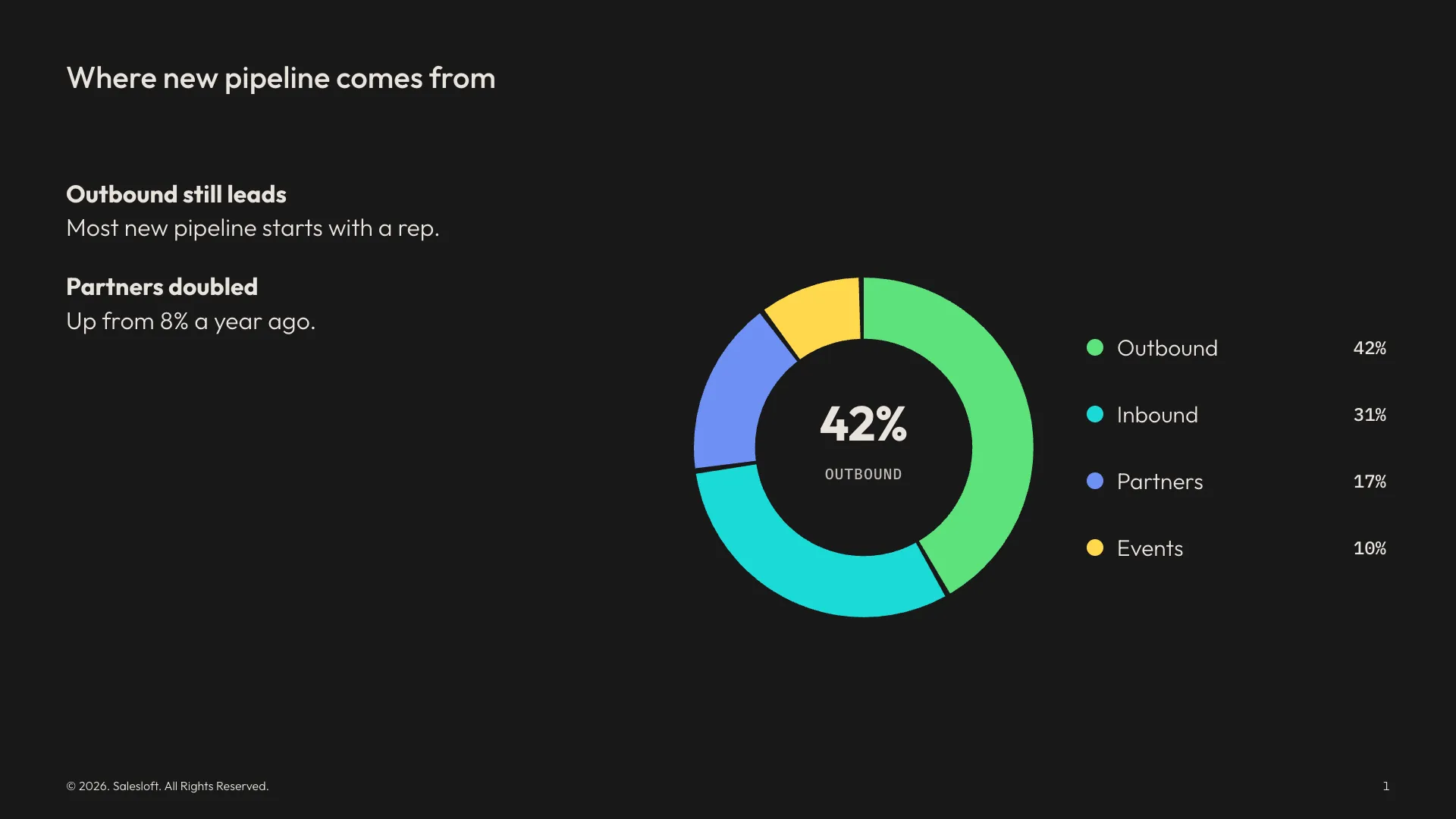
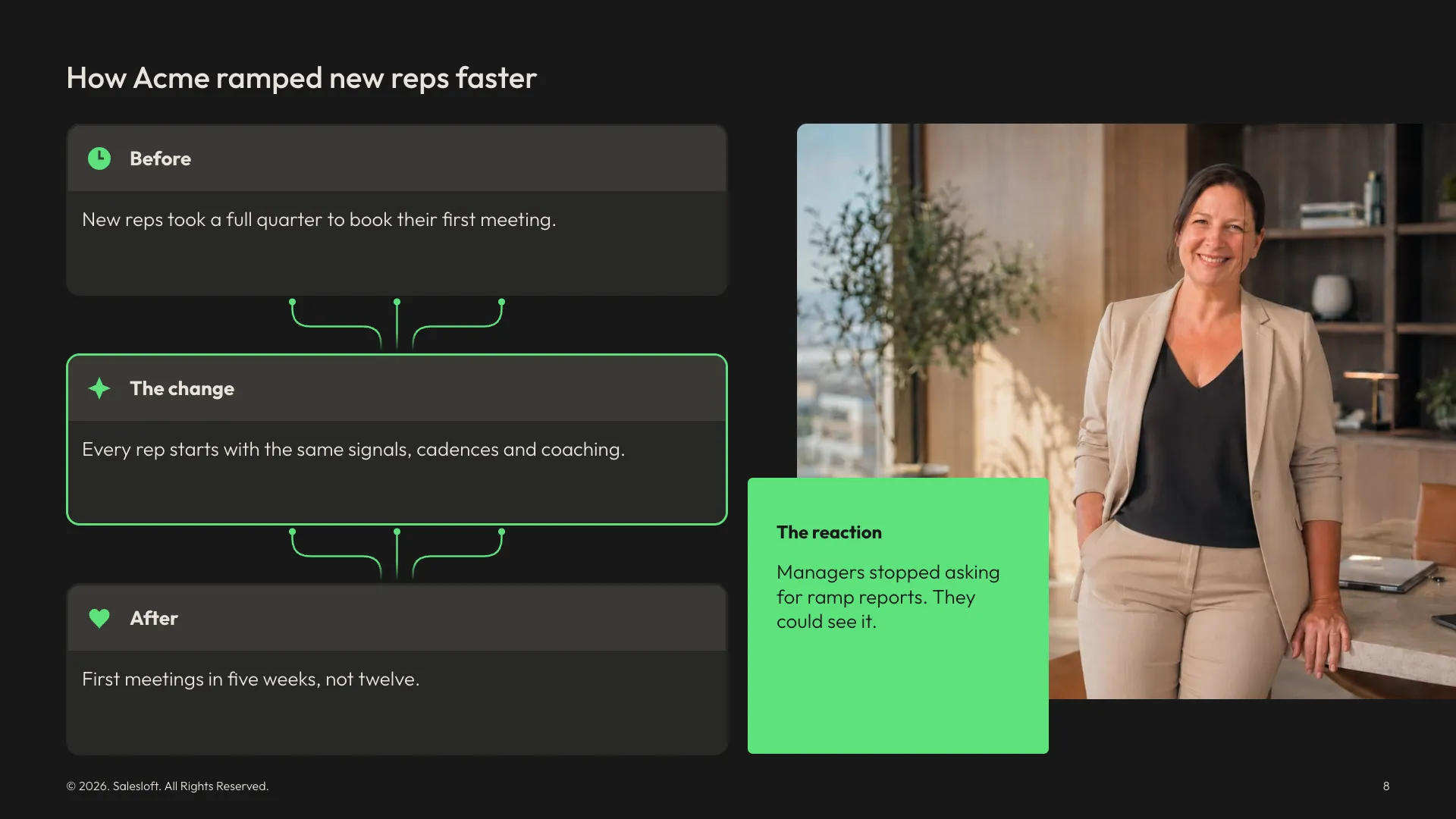
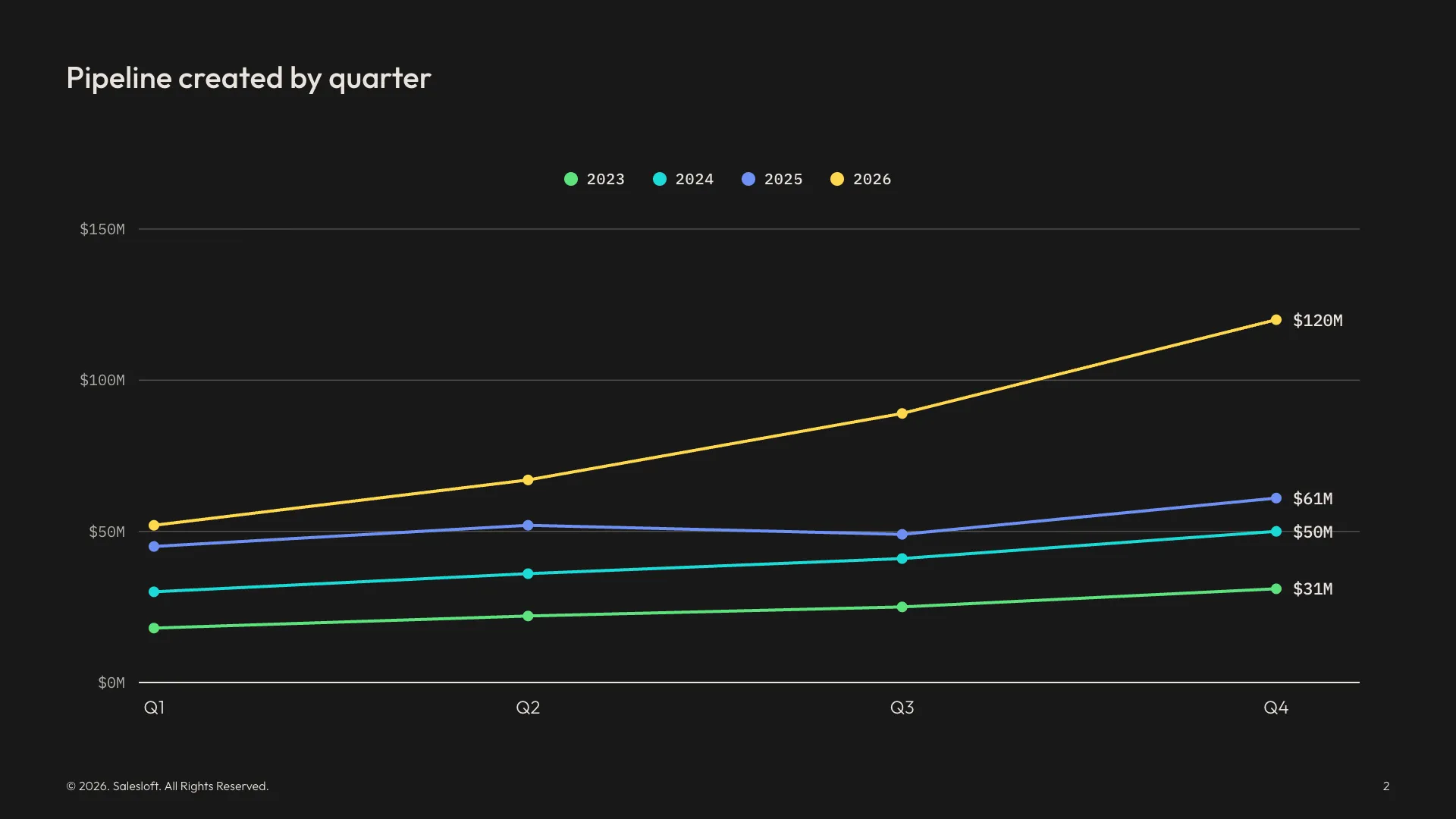
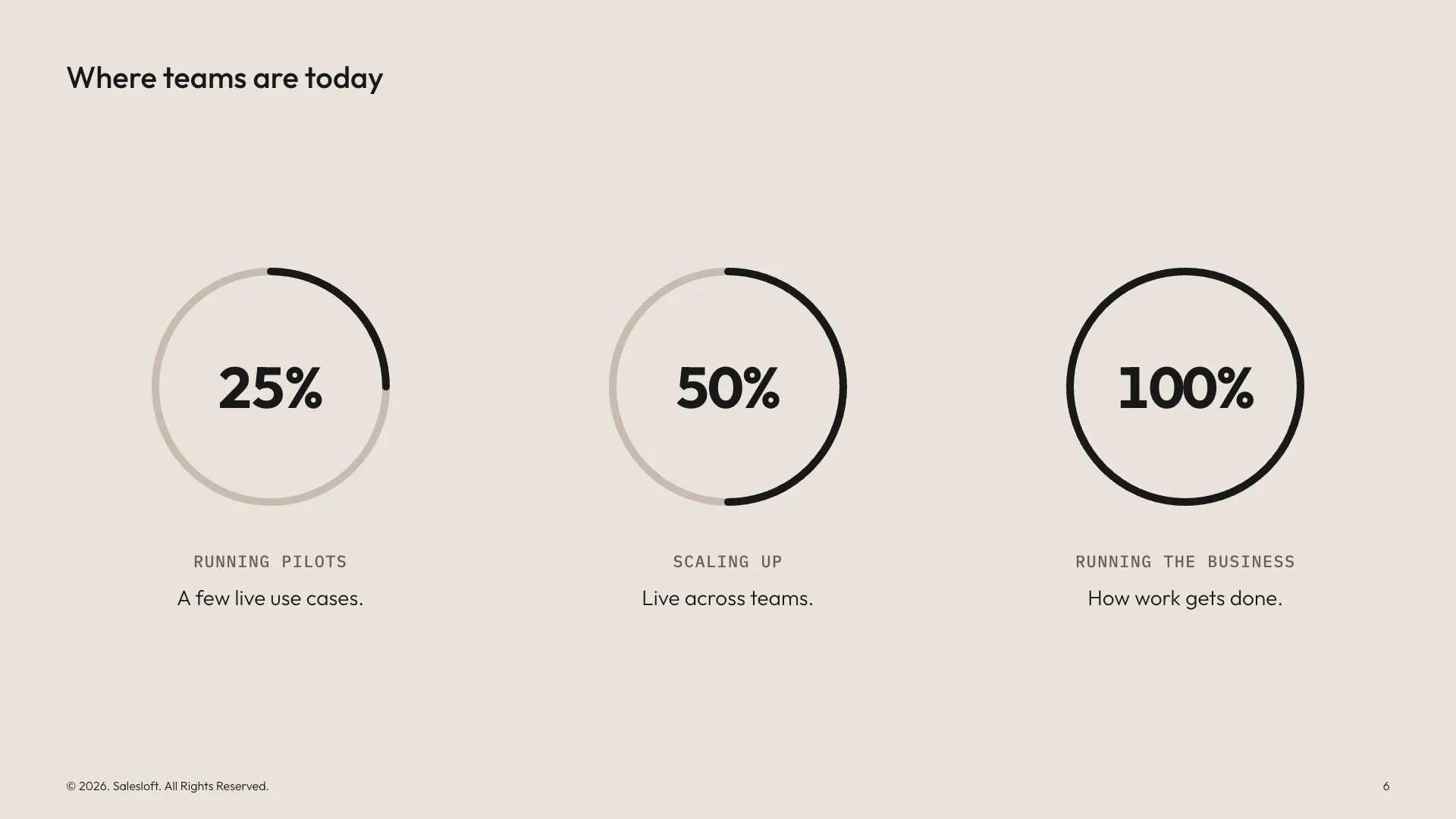
Demo content. Every company and person shown is fictional.
04
The whole template, one click away.
Add slide opens every layout in the master template, grouped the way people think about a deck and drawn live, not as screenshots. Smart layouts are marked, so you know which ones adjust themselves.
05
Connectors that snap.
Drag either end of a connector onto an icon, card or label and it snaps to the nearest side. Curves leave each end at a right angle, and every line stays solid, dashed or dotted in brand colors.
06
Icons from the brand set.
Click an icon on the slide to swap it. The full Starlight set is searchable by meaning, and colors come from the brand palette only, so a slide can’t drift.
07
Callouts that fit the space.
Drop a callout on any slide and resize it. The ring, the number and the text reflow to fit, and one click turns the ring into a big number.
- 42
- Ready-made layouts
- 20
- Smart layouts
- 316
- Brand icons, searchable
Where it standsShared with Salesloft’s design team and agency partners in October 2026. Next is a designer mode, and a Claude skill built from its brand rules, so AI tools stay on brand too.
The long version · 1 min readHow I got hereWhy a tool ·How I built it with AI ·What I learned
Why a tool
Decks were the obvious place to start. Everyone makes them, often with help from AI, the brand system was brand new, and the master template only helps if you already know the rules. So the rules had to live inside the tool.
How I built it with AI
- Built entirely with Claude Code. I designed the product and the interface, wrote the brand rules down precisely, and directed every decision and test. Claude wrote the code.
- Measured, not eyeballed. I had Claude render slides and overlay them on the brand’s reference files to check the type pixel by pixel, and test how Google Slides handles images, before deciding how exports should work.
- Built to share. It runs in the browser, saves decks as you go, and a deck can be passed to a teammate as a file.
What I learned
Every option you expose is a way for a deck to leave the brand. The work wasn’t adding features, it was choosing the few that are safe, and making those feel effortless.